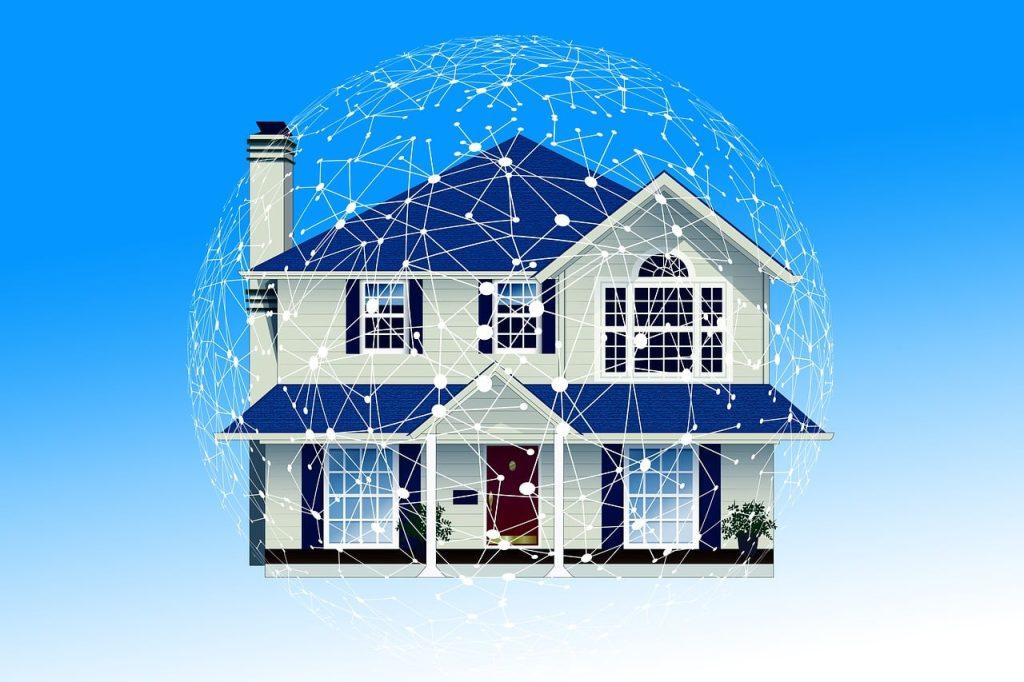
Smart home security gets treated as a product category, but it is really a habit, because every camera, doorbell, speaker, and plug is a small computer with a network connection and a login. Most real-world compromises are not cinematic. They come from default passwords never changed, firmware never updated, and one reused login leaking from an unrelated website. The fixes are unglamorous, cheap, and effective, and they start at the router.
Why smart home security starts at the router
The router is the front door of the digital house, and most break-ins walk straight through it. CISA, the federal cybersecurity agency, keeps its home network guidance short for a reason: change the router’s default administrator password, keep the firmware updated and turn on automatic updates where the option exists, and disable remote management so nobody can adjust settings from outside the house. Encryption should be WPA3, or WPA2 at minimum, and the network name is worth changing too, since the factory name often advertises the exact router model along with its known weaknesses.
One more habit costs nothing: check the router’s connected device list now and then. Every gadget in the house should be recognizable there, and anything unfamiliar deserves a network password change the same day.
Every device is its own front door
The gadgets need the same discipline as the router. The FTC’s guidance on internet-connected devices starts where most people stop: change the default username and password on each device, not just the router, and keep everything updated. Beyond that, each camera and doorbell account deserves a unique password plus two-factor authentication, because the standard attack is not clever at all. It is trying a password leaked from some other website, and it works every time passwords are reused.
Brand choice is part of smart home security too. A bargain camera from a company that abandons its app two years in becomes a permanently unpatched hole with a lens. Manufacturers with a visible update history cost more up front and less over the life of the device. It also helps to switch off what goes unused: microphones on cameras that only need video, third-party sharing, and convenience features enabled by default. IP cameras deserve one extra habit, a periodic look at their access logs for logins at odd hours or from unfamiliar places. And before any device is sold, returned, or thrown out, a factory reset wipes the account and network details it remembers.
Separate the risky devices from the valuable ones
A compromised smart plug should not be able to reach the laptop with the tax returns on it. Most routers make that separation simple through a guest network: put the plugs, bulbs, cameras, and TVs there, and keep phones and computers on the main network. If one gadget falls, the damage stays contained. Segmentation is the cheapest smart home security upgrade there is.
Privacy is the other half. Every device on the network reports home constantly, and the internet provider sees the pattern of all of it. A VPN configured at the router level encrypts traffic for the whole house at once, including devices that cannot run privacy software of their own. Services such as NordVPN publish router setup guides and support the common firmware, though most ISP-issued routers do not accept VPN configuration, so the setup usually calls for a compatible router rather than the one the provider shipped.
The honest limits belong in the same paragraph. A VPN protects data in transit and keeps browsing patterns away from the network operator. It does not patch a vulnerable camera, fix a reused password, or stop a phishing email, so it is a privacy layer on top of the fundamentals, never a substitute for them. It is also a subscription, and free alternatives tend to pay for themselves with user data, which defeats the point.
A smart home security checklist for the weekend
- Change the router’s administrator password and confirm WPA2 or WPA3 encryption
- Turn on automatic updates for the router and every device that offers them
- Set a unique password and two-factor authentication on every camera and doorbell account
- Move plugs, bulbs, cameras, and TVs to a guest network, away from computers and phones
- Review who has shared access to each camera and remove anyone who no longer needs it
- Factory reset every device before it is sold, returned, or discarded
- Owners of rentals can fold these checks into the same calendar as rental property maintenance, since tenant turnover is exactly when camera access and door codes go stale
Frequently asked questions
What is the biggest smart home security risk?
Reused and default passwords, with outdated firmware close behind. Both are boring, both are free to fix, and together they account for most real compromises of home devices. The exotic attacks make headlines, while the password from an old data breach opens the actual doors.
Do smart home devices need a VPN?
Need is too strong a word. The fundamentals, meaning unique passwords, two-factor authentication, updates, and a guest network, do the security work. A router-level VPN adds privacy by encrypting traffic and hiding activity patterns from the internet provider, which some households value and others do not. It belongs at the end of the list, not the start.
Are cheap smart cameras safe to use?
Price matters less than the update record. An inexpensive camera from a brand that still ships firmware patches is a fair choice, while a camera whose app has been abandoned is a risk at any price. Before buying, check when the companion app was last updated, since a dead app usually signals a dead patch pipeline.
How often should smart home devices be checked?
Turn on automatic updates and the routine shrinks to a seasonal sweep: confirm the firmware is current, review camera sharing lists and access logs, and glance at the router’s connected device list. Fifteen minutes a quarter covers a typical house.